
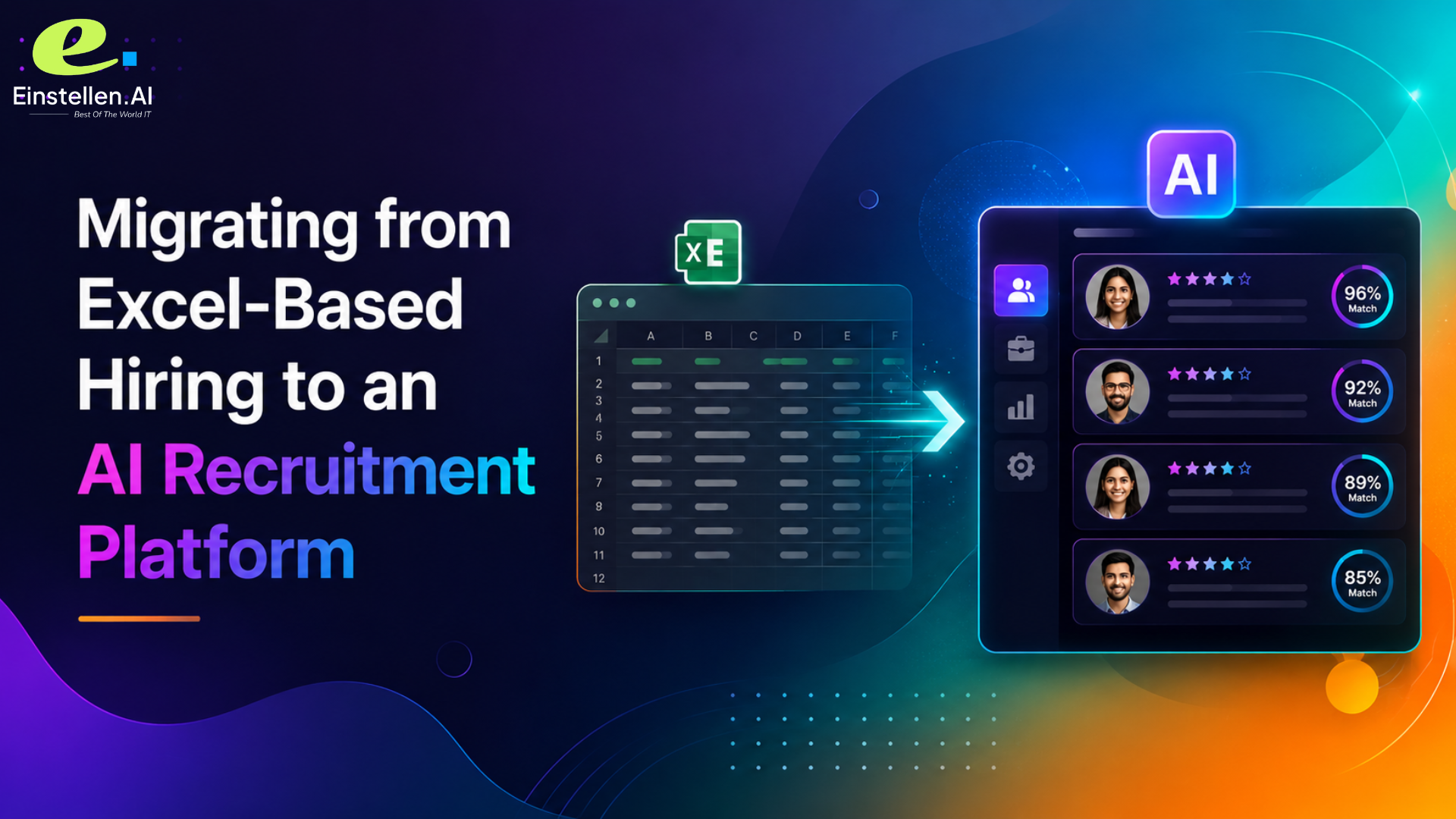
Quick Answer: Migrating from Excel to an AI recruitment platform means cleaning your spreadsheet, mapping columns to ATS fields, running a test import, and re-screening historical candidates with AI. For a 10-100 person company with a few hundred candidates, expect 7-14 working days. Choose a platform that explains its scoring and charges no setup contract.
Your hiring tracker has 40 tabs. Three people are editing it at once. And somewhere in there is a "Final\_v3\_ACTUAL" version nobody actually trusts. Meanwhile, a candidate who applied back in March is still sitting there marked "to follow up" in October. This is what Excel-based hiring looks like at most 50-500 employee companies in India, and it's exactly why "migrate to an AI recruitment platform" shows up on HR leadership's roadmap every quarter and never actually gets scheduled.
It's not the technical work holding people back. It's the fear of giving up a system you fully understand for one that scores candidates in ways you can't see or defend to your own team. This guide walks through the real migration steps, what happens to your historical candidates, and how to pick a platform that doesn't ask you to take a leap of faith on your data or on the AI itself.
Excel to ATS Migration Steps
Whichever platform you move to, the sequence that actually works looks the same. Deduplicate your spreadsheet first. Standardize the inconsistent columns (three different date formats and two different "status" vocabularies are a very common find). Audit for consent issues before a single row of candidate data moves anywhere. Only once the sheet is genuinely clean should you export as CSV.
Then comes field mapping: matching your spreadsheet columns (Name, Role Applied, Status, Notes) to the ATS's structured fields (Candidate Name, Job Requisition, Pipeline Stage, Interview Feedback). This is where most migrations quietly lose data. A free-text "Notes" column carrying five years of interviewer comments doesn't map cleanly onto one structured field, and somebody has to decide what gets preserved versus archived separately.
Run a small test import first, 20-30 records, not the whole sheet. Check that names, contact details, and stage history all landed correctly before you commit the rest. For a 10-100 person company migrating a few hundred candidates, plan on 7-14 working days end to end, roughly 2-3 days on data cleanup, a day on configuration and field mapping, and a day on test imports before the full cutover. That's a fair bar to hold any vendor to, us included.
Spreadsheet vs ATS Hiring: What Actually Changes
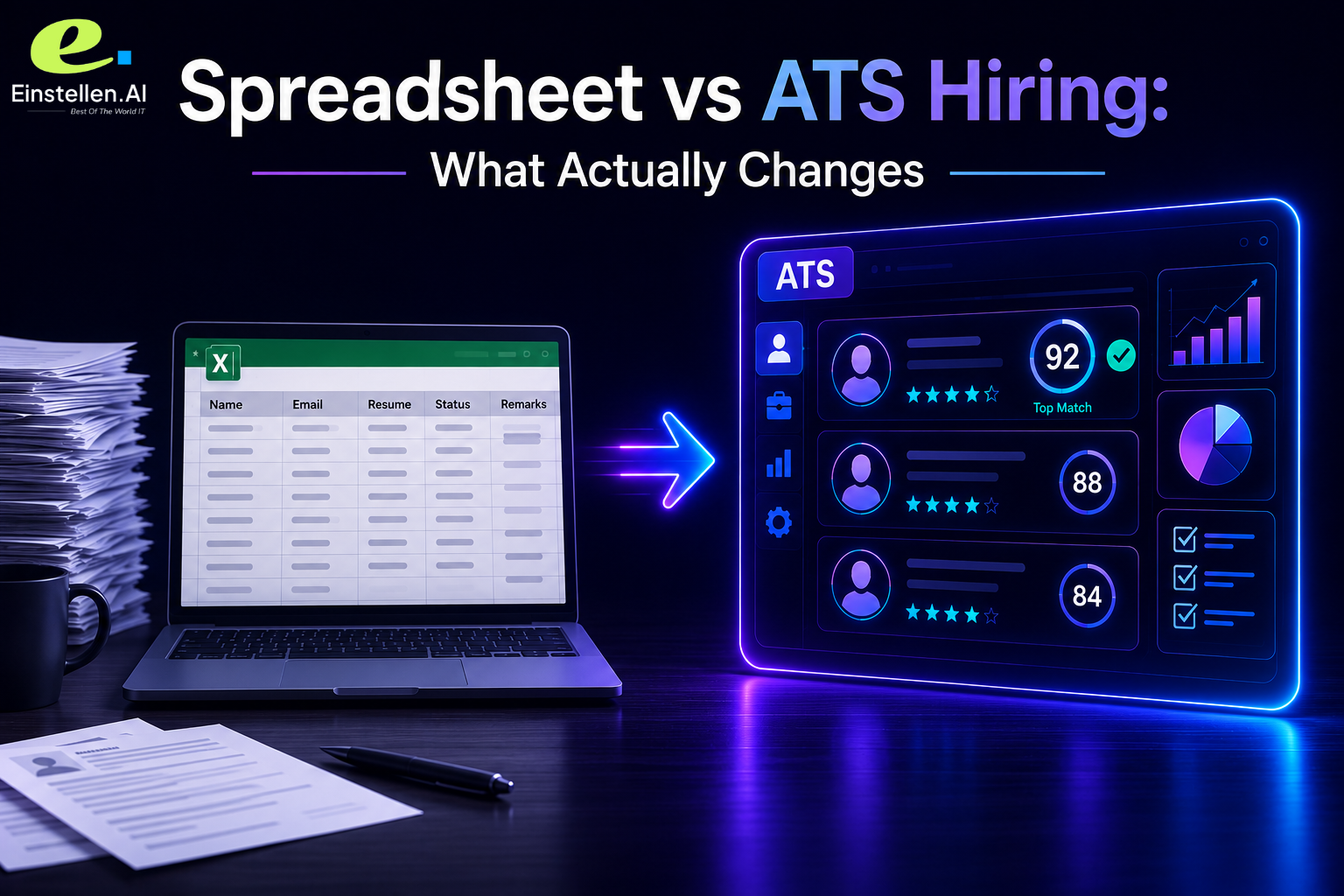
A spreadsheet gives you total control and zero automation. Every status update, every follow-up reminder, every duplicate entry, all manual. An ATS built on an AI interview engine changes three things concretely: candidates get screened through an adaptive conversation instead of a static form, every scored response comes with a report instead of a gut-feel note typed into a cell, and the pipeline updates itself instead of waiting on someone to edit a row at 6 pm on a Friday.
The real trade-off employers worry about isn't losing the spreadsheet. It's swapping a system where they can see every decision for one where an algorithm spits out a ranking nobody can explain. And honestly, that worry is fair for a lot of this category. Plenty of AI interview tools genuinely do produce a score with no accessible reasoning behind it, which is a legitimate reason companies hesitate to hand over manual control.
The fix isn't avoiding AI screening altogether. It's picking a platform where the score arrives with the reasoning already attached, so a hiring manager looking at a borderline candidate can see exactly which answer drove which part of the result, instead of just being handed a number and asked to trust it.
AI Resume Re-Scoring Historical Candidates
Here's a question almost no generic migration guide bothers to answer: what happens to the hundreds of candidates already sitting in your spreadsheet when you switch systems? They don't need to be thrown out. Historical candidate records can be imported and re-screened through the new platform's adaptive interview process, which gives you a structured, comparable evaluation for people your team already sourced but never properly assessed.
This matters most for roles that have sat open a long time. A candidate who looked "maybe" in a March spreadsheet note might actually score well once they go through an adaptive interview that probes their specific project experience instead of a generic phone screen. Re-scoring the backlog turns a graveyard of stale rows into an active shortlist. You're not starting from zero.
ATS Data Migration Field Mapping
Field mapping deserves more attention than most migration checklists give it, because a mismatch here, not the CSV export, is usually what causes data loss. Map at minimum: candidate identity fields (name, contact, resume link), pipeline fields (stage, status, role applied), and history fields (interview notes, feedback, past scores if any existed).
Magic OS, the platform underlying Einstellen.AI's product set, integrates with any ATS a company is already using, at no additional cost. If you want a concrete example rather than a generic "any ATS" claim: Greenhouse, Lever, and Workday are natively, bi-directionally synced, with interview scores and transcripts flowing straight into the existing candidate record. No separate system to check, no retraining your recruiters on a new workflow.
Trust and Explainability During Migration
This is the part most migration content skips entirely. Every vendor guide out there covers CSV import and field mapping in detail. Almost none of them explain what a hiring manager actually gets once a candidate is screened through the new AI system, which is the exact moment trust in the whole migration either holds or falls apart.
Einstellen.AI's interview engine, humAIn, runs autonomous adaptive questioning. It listens to what a candidate actually says and generates the next question based on that answer, rather than working through a fixed script regardless of where the conversation goes. The MAGIC model then scores each response with a structured justification, producing a per-answer report with a full transcript. So a hiring manager reviewing a borderline candidate sees exactly what was asked, what was answered, and why a given score was assigned, instead of a ranking they're just supposed to trust on faith.
 The platform also includes fraud and proxy detection within the interview process, which matters a lot during migration specifically, since that's usually when a large batch of historical or bulk candidates gets screened all at once.
What an AI Recruitment Platform Migration Actually Costs
Pricing friction is the second thing every competitor's migration content conveniently ignores. Most vendors in this category push you toward a demo, then a sales call, then a negotiated contract, all before you've seen an actual number. Einstellen.AI runs a flat, open public rate of ₹249 per interview, pay-as-you-go, no subscription, no contract, no volume commitment. Same rate whether you run one interview or ten thousand. The full report, video, transcript, and skill scoring are included in every credit, no add-on tier tacked on later.
| Migration Approach | Setup Commitment | Candidate Evaluation Method | Historical Data Handling |
|---|---|---|---|
| Stay on Excel | None, but manual overhead compounds | Manual review, inconsistent across reviewers | Sits unused in old rows |
| Typical vendor ATS migration | Demo + negotiated contract | Automated screening, scoring rationale often opaque | Imported but rarely re-evaluated |
| Einstellen.AI migration | Pay-per-use, ₹249/interview, no contract | Adaptive interview, structured justification report | Re-screened through AI, turned into active shortlist |
Proof point: Einstellen.AI's AI interview engine has conducted 30,000+ interviews across 1,200+ institutions, with every score paired with a structured justification report rather than an unexplained ranking.
FAQ
How do I migrate candidate data from Excel to an ATS without losing information?
Clean and deduplicate your spreadsheet first, standardize the column formats, then map each column to the ATS's structured fields before you export anything. Run a small test import of 20-30 records to confirm names, stages, and notes transferred correctly before touching the full sheet. Free-text columns need a specific mapping decision made up front, since they rarely fit into one structured field cleanly.
Is AI recruitment software safe or unbiased for hiring decisions?
Honestly, it depends entirely on whether the platform explains its scoring. A tool that hands you a ranking with no accessible reasoning is nearly impossible to defend or audit for bias. Einstellen.AI's MAGIC model pairs every score with a structured justification report showing which answer drove which part of the result, so a hiring manager can review the actual reasoning instead of trusting a number blindly.
How much does AI recruiting software cost?
Einstellen.AI's public rate is a flat ₹249 per interview, pay-as-you-go, no subscription, no contract, no volume-based pricing tiers. The full MAGIC Report, video, transcript, and scoring included, comes with every credit at no extra cost. It's a deliberate, open-pricing choice in a category where most competitors are demo-gated and negotiate-only.
Can I import my existing candidate spreadsheet into an ATS?
Yes. Historical candidate data can be imported, and with Einstellen.AI specifically, re-screened through the adaptive AI interview process rather than just archived as static records. Candidates who were never properly evaluated in the spreadsheet become an active, scored shortlist instead of dead rows sitting in an old file.
Ready to Move Off Spreadsheets?
If your hiring tracker has more tabs than your team has open roles, switching to an AI recruitment platform is overdue, not risky. Einstellen.AI's AI interview engine works alongside your existing ATS, whatever you're using, at no additional integration cost, and the ₹249 pay-as-you-go rate means you can test the whole thing on one role before committing your full candidate backlog.
Post your first role on Einstellen AI and re-screen your existing candidate pool with an interview engine that explains every score it gives. See what a structured justification report actually looks like for a candidate you already have sitting in a spreadsheet right now.










Leave a Comment
Share your perspective. Comments are moderated before publishing.